marka.md mascot

write markdown. share with ai. nothing leaves your machine.

the calm markdown editor for the notes and context bundles you share with ai. local-first, MIT, macOS · Windows · Linux.

notarized · auto-updating · v1.5.11 · MIT release notes →

local-first · MIT · macOS 13+ · Windows 10+ · Linux x86_64 · no telemetry

v1.5.11

preview and file switching feel tighter.

The latest v1.5 update keeps the workspace loop smoother: browser-safe preview links, steadier selection sync, remembered scroll positions, and cleaner sidebar scrolling. v1.5.9 closes 3 issues, with 12 closed across the v1.5 cycle so far.

preview links

http and https links in rendered markdown now open in your browser.

scroll memory

switch files without losing your editor and preview position.

selection sync

text selections use source-line hints for more reliable editor and preview matching.

community loop

shipped with contributor PRs and feedback from people testing the app in the wild.

read the changelog →

made for the keyboard.

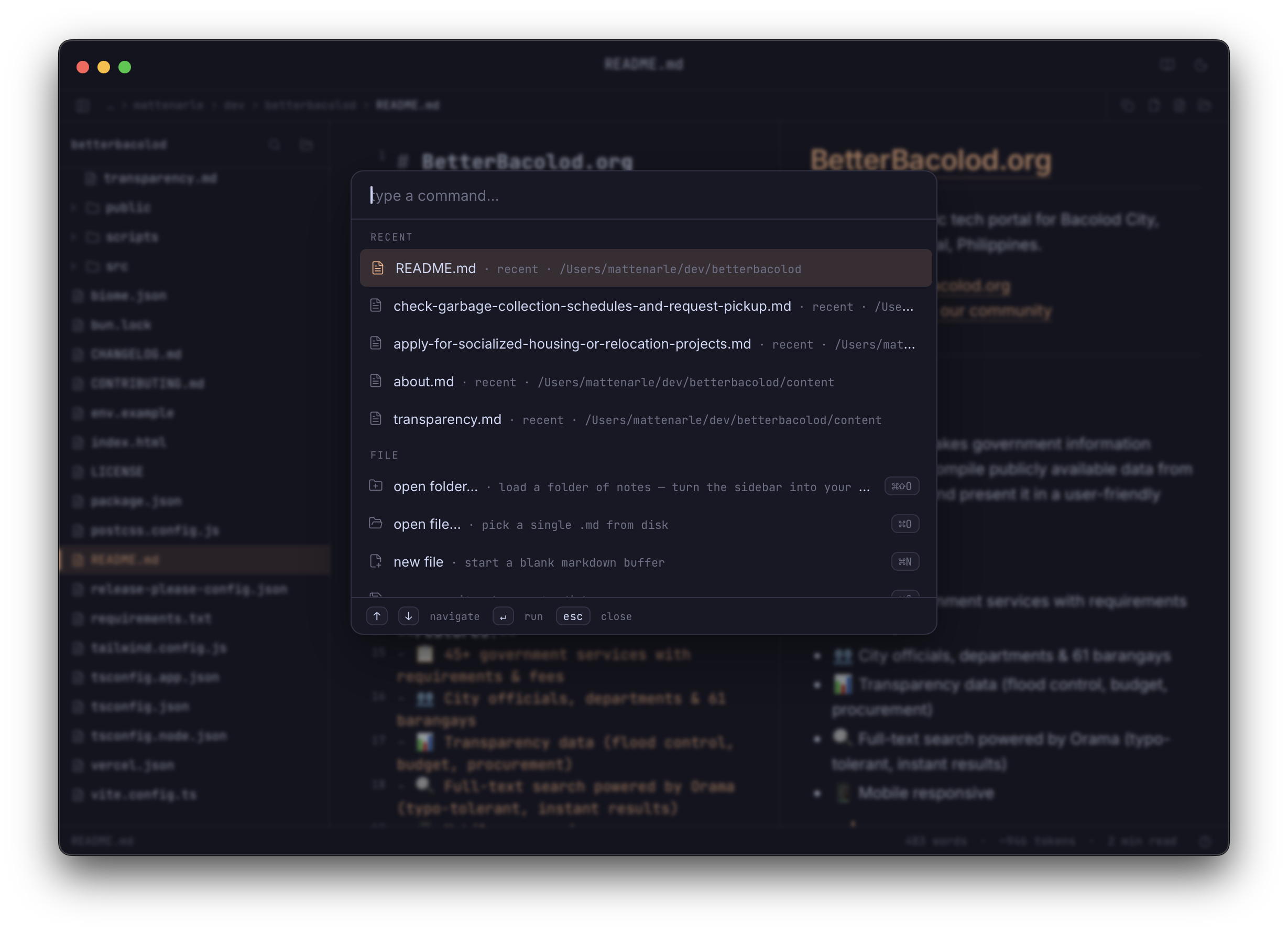
⌘K ⌘⇧O ⌘ click ⌘S ⌘⇧S ⌘. ⌘⇧. ⌘⇧C ⌘B ⌘/

14 themes, grouped like the app menu.

pick the room before you write.

mono for focus, catppuccin for comfort, crafted palettes for long writing, and AI-inspired themes for Claude, Codex, Gemini, and Cursor.

neutral

system + mono

quiet black/white modes for plain writing.

catppuccin

latte → mocha

soft pastel ramp when you want the familiar catppuccin feel.

ai

claude · codex · gemini · cursor

brand-inspired palettes for the tools your notes usually end up in.

crafted

matcha · kanagawa · rose pine · ayu

handpicked writing moods for longer sessions.

how it works

one loop. nothing leaves your machine.

01

collect

open a folder of markdown notes. that's your context library.

02

write

edit side-by-side with live preview. save when ready.

03

share

copy one file, or stage many notes into a context bundle. paste into claude.

features

everything you need to read, write, share.

context tray

stage markdown files from one folder or many, track file/token counts, and copy one AI-ready bundle with relative paths.

multi-folder explorer

open multiple roots, keep each folder separated, pin favorites, and drag files between folders. your context library, organized like a project.

live preview

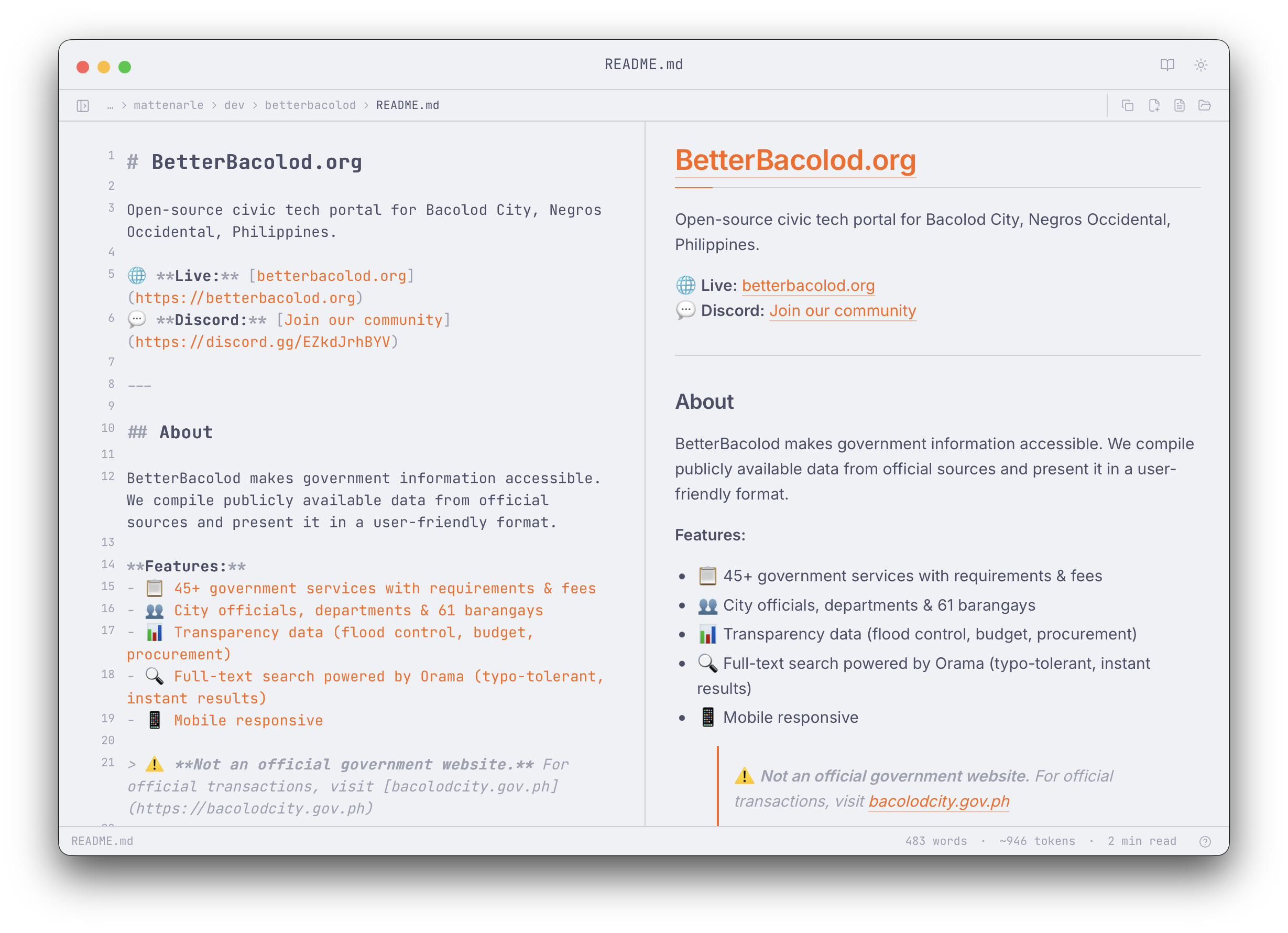
edit on the left, watch markdown render on the right. mermaid + shiki, all live.

reading mode + editor-only

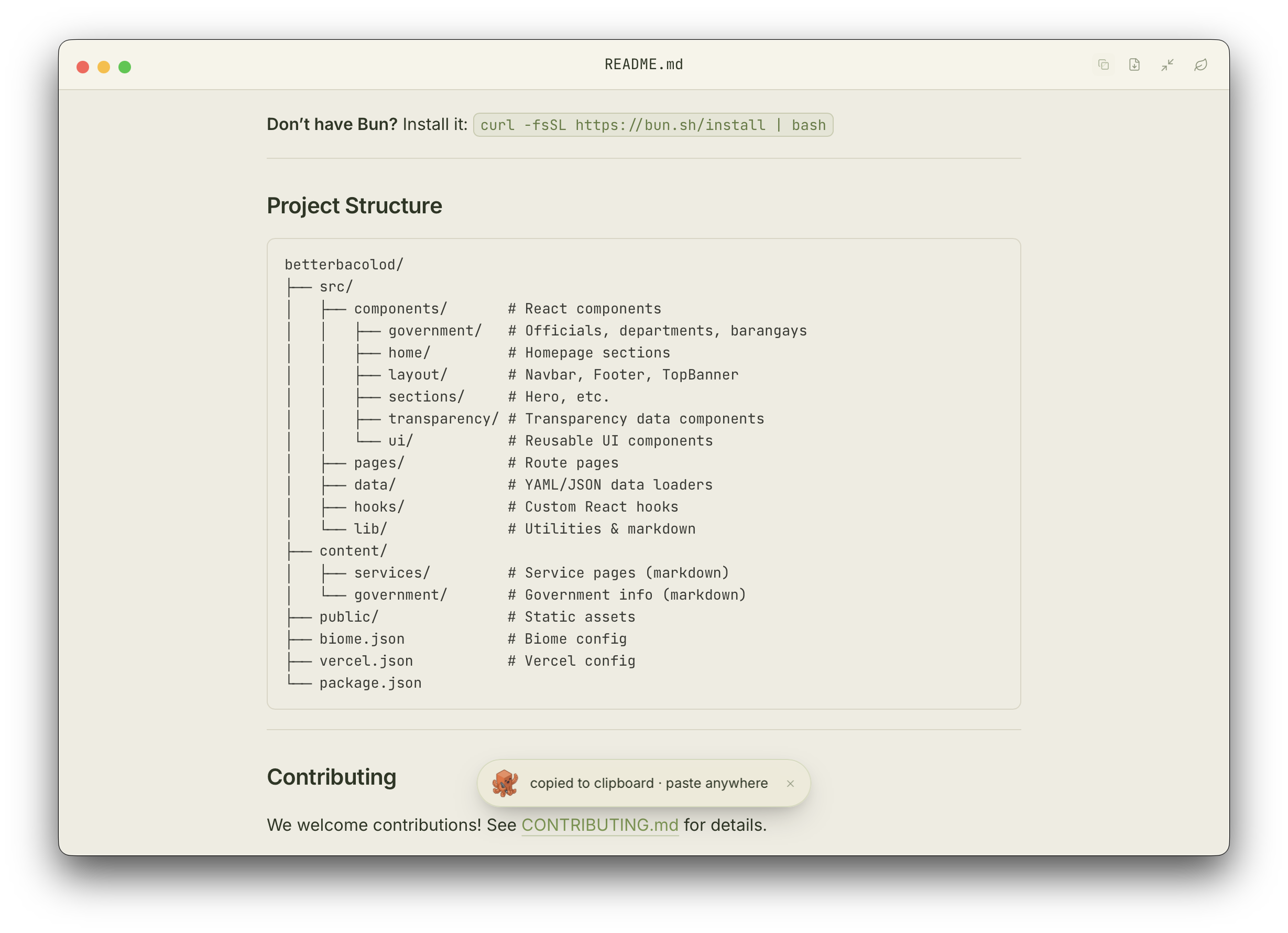
⌘. for a calm preview-only view (great for proofing). ⌘⇧. for editor-only when you just want to write. mirror modes, mutually exclusive.

share with ai

copy the current file as clean markdown, or stage several files and copy one context bundle. paste into claude, chatgpt, gemini, your local agent — anywhere that reads text.

open as text

peek into safe plain-text files beside your markdown notes. useful for prompts, configs, logs, and mixed project folders.

vim mode (opt-in)

toggle from the theme menu. NORMAL/INSERT/VISUAL/REPLACE pill in the status bar. hjkl, dd, yy, : command bar — full vim defaults via @replit/codemirror-vim. lazy-loaded so non-vim users don't pay the ~200KB cost.

find · undo · all keyboard

⌘F find/replace, ⌘⌥Z undo file ops, ⌘K command palette grouped by category. grouped themes too — mono, catppuccin, crafted palettes, and AI-inspired Claude / Codex / Gemini / Cursor.

stays local

your notes never leave your machine. no telemetry, no cloud, no account. just files.

lean & lazy

~240 MB resident on macOS. shiki themes + 36 langs lazy-loaded only when you actually hit them. mermaid only loads when a doc has a diagram. tauri 2 + native webview, zero electron bloat.

faq

the honest answers.

is it really free?

yes. free, MIT licensed, open source. no trial, no upgrade tier, no "pro" version. if it saves you time, a github star is the only ask 🐙

is my data private?

100%. marka.md is local-first. no telemetry, no analytics, no cloud sync, no accounts. your .md files stay on disk. the only time anything leaves your machine is when you copy markdown or a staged context bundle — then it's in your clipboard, and you decide where it goes.

does it work on Windows? Linux?

all three ship today. macOS (notarized + auto-updating, with a Homebrew cask at mattenarle10/tap/marka-md), Windows (unsigned — SmartScreen → "More info" → "Run anyway" on first install), and Linux (AppImage works on any distro, .deb for Debian/Ubuntu/Mint/Pop!_OS, .rpm for Fedora/RHEL/Rocky/openSUSE). we don't sign Windows builds because paid certs aren't worth it for a free MIT project — full source on GitHub if you want to inspect or build yourself.

how do updates work?

auto-update via signed releases. marka.md checks for new versions on launch (and on demand from the ⌘K palette). when a new release lands, it downloads in the background, verifies via minisign, and prompts to relaunch. Homebrew installs can also update with brew update && brew upgrade --cask marka-md.

why not obsidian / bear / iA Writer?

those are great. marka.md isn't trying to replace them as your main editor — it's a focused tool for one specific loop: open a folder of .md, edit, stage files for context, copy clean markdown, paste into Claude / ChatGPT / any AI chat. if obsidian's vault + plugins feel right for you, you don't need this.

what about VS Code / Cursor / Zed?

those are full code editors. marka.md is single-purpose: a calm markdown editor for the loop of "collect notes → write context → share with ai". if you already live in VS Code / Cursor / Zed, you don't need this — open .md from there and you're fine. marka.md exists for people who want a focused space for that workflow without the language-server / extension noise.

does it support vim?

yes — opt-in. open the theme menu and toggle "vim mode" under editor. status bar shows a colored pill (NORMAL/INSERT/VISUAL/REPLACE) so you always know where you are. uses @replit/codemirror-vim, lazy-loaded — non-vim users don't pay the cost.

how do I send feedback or report a bug?

head to the feedback page — pick the github form for ideas/bugs, or just email me. i read everything. for security issues see SECURITY.md. PRs welcome.

ready to ship cleaner context?